
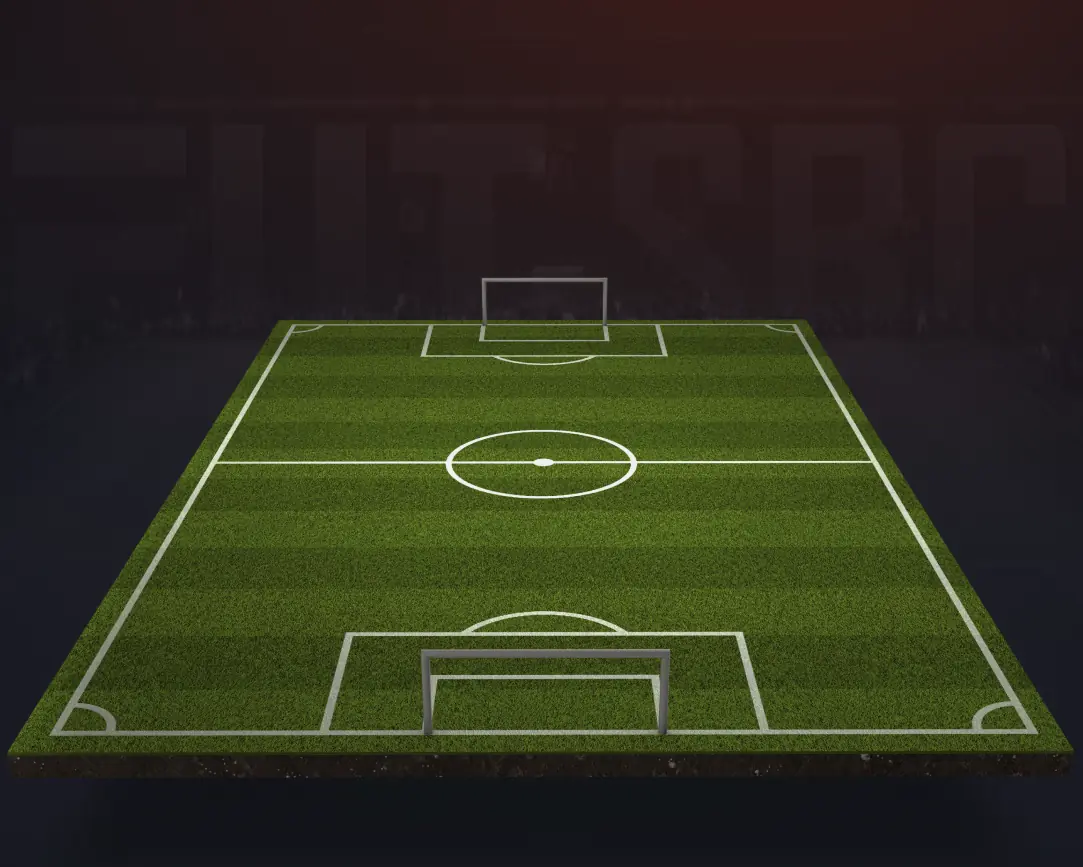

EA Sports FC 26 Squad builder
 Bench
Bench
0/7EA SPORTS FC 26 Squad Builder
Build and test an EA SPORTS FC 26 Ultimate Team squad before you spend your coins. Pick a formation, add players to the lineup, and compare chemistry and squad price as you go.
Chemistry updates automatically when you move a player, change a position or swap your manager’s nation or league, so you can compare several team ideas before you save one.
EA SPORTS FC 26 formations
Use the builder as an Ultimate Team planner or a simple football lineup maker. Switch between every formation the game ships and the players already on the pitch are reseated into the new shape — anyone the new shape has no place for is listed underneath, to place yourself or take off.
Sharing and saving a squad
Press Share and you get a link anyone can open. The squad travels inside the link itself, so sharing one stores nothing anywhere. Sign in and squads save to your account instead, so you can come back and edit them, or clone one as a starting point.
Every price the builder adds up is an observation from the transfer market with the time it was seen, so a squad’s cost is a measurement rather than an estimate.
Squad Builder FAQ
What is the futSBC Squad Builder?
A free lineup builder for EA SPORTS FC 26 Ultimate Team. Pick a formation, add players to the eleven, and compare squad chemistry and price.
Does it calculate chemistry automatically?
Yes. Chemistry updates as you change players, positions, leagues, nations, clubs and your manager.
Is this only for Ultimate Team, or any football lineup?
It is designed for Ultimate Team chemistry, cards and prices, but you can also use it as a football lineup builder by choosing a formation and arranging players on the pitch.
How do I share a squad I have built?
Select Share to create a link anyone can open. Sign in to save squads to your account, return to edit them later, or clone one as a starting point.
Is the squad builder free?
Yes. You can build a squad without an account. Signing in adds saved squads and their history.